Personalized information at a glance. AI keeps working while you're on the move.
Place useful information and lightweight tools on a visual desktop that is always immediately accessible. Then close the MacBook and keep downloads, renders, exports, and agent tasks moving. Non-AI modules are free. Pro and Max include weekly Moon Credits for AI-powered modules.
Apple Silicon MacBooks only (M-series) · macOS 14 or later · Designed and built in Tokyo
FreeNon-AI modules are free. Try AI-powered modules with a limited Luna preview.
Pro · ¥480/month · ¥4,200/year120 Moon Credits each week. ¥350/month billed annually.
Max · ¥1,800/month · ¥14,000/year500 Moon Credits each week. Credits refresh weekly, including annual plans, without rollover.
Moon Credits are shared by AI Chat and AI actions in connected modules, including document questions. Voice control requires Pro or Max and uses the same paid Moon Credits. Non-AI actions do not consume credits.
Your desktop, your way
Only what matters. Exactly where you want it.
Arrange 23 modules across left and right columns with grid snapping, three layout presets, and built-in or external display layouts. Expand any module, search to open it, and replay the first-launch tour in General settings. Choose light or dark ink, wallpaper tint, or animated scenes that pause when hidden or inactive.
01 · World clocks
One glance across every time zone.
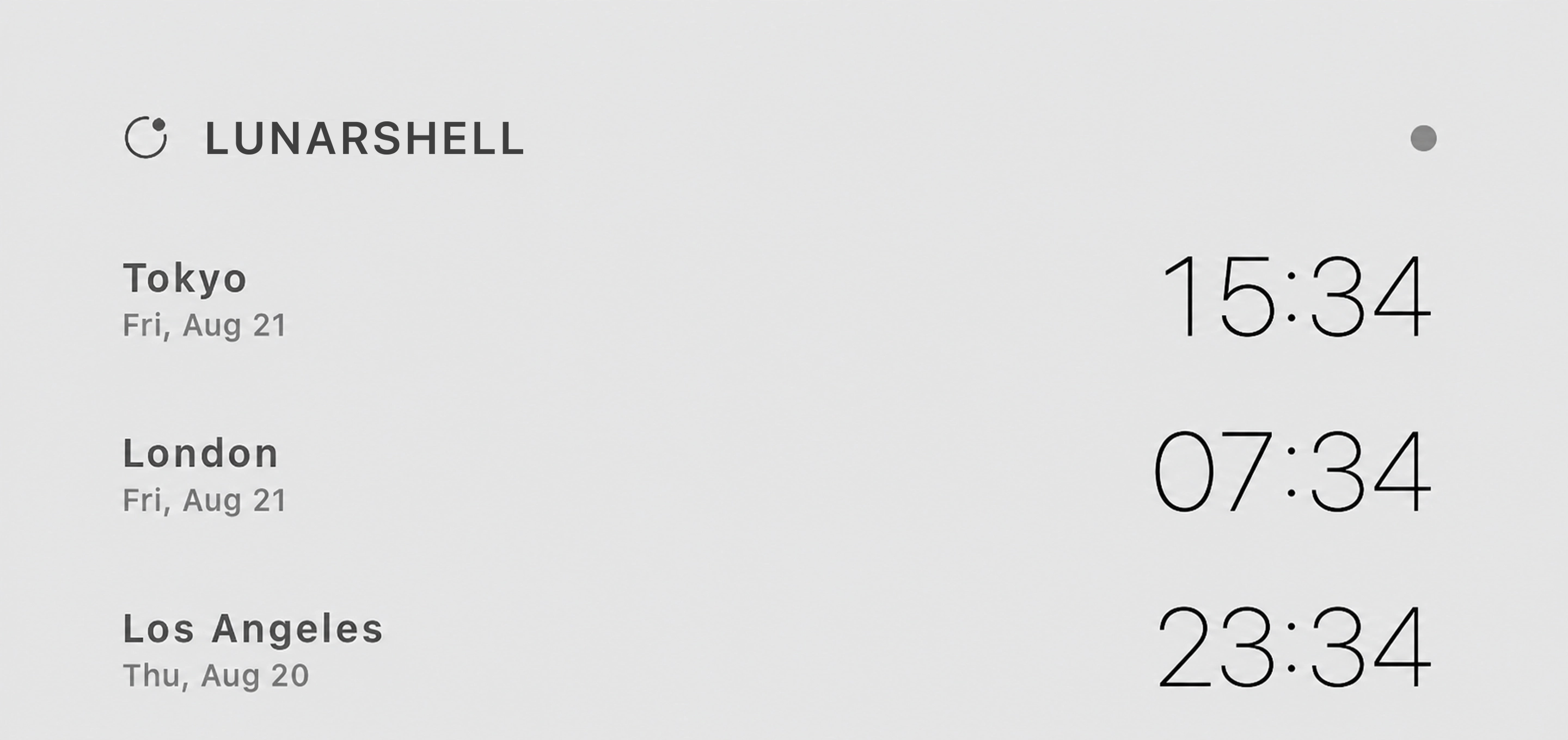
Show one large clock or up to four DST-aware cities in digital form or ten analog faces. The linked converter shifts every clock and date together—especially useful when a meeting crosses midnight.
02 · Weather, radar & wind
Three weather layers, chosen for where you are.
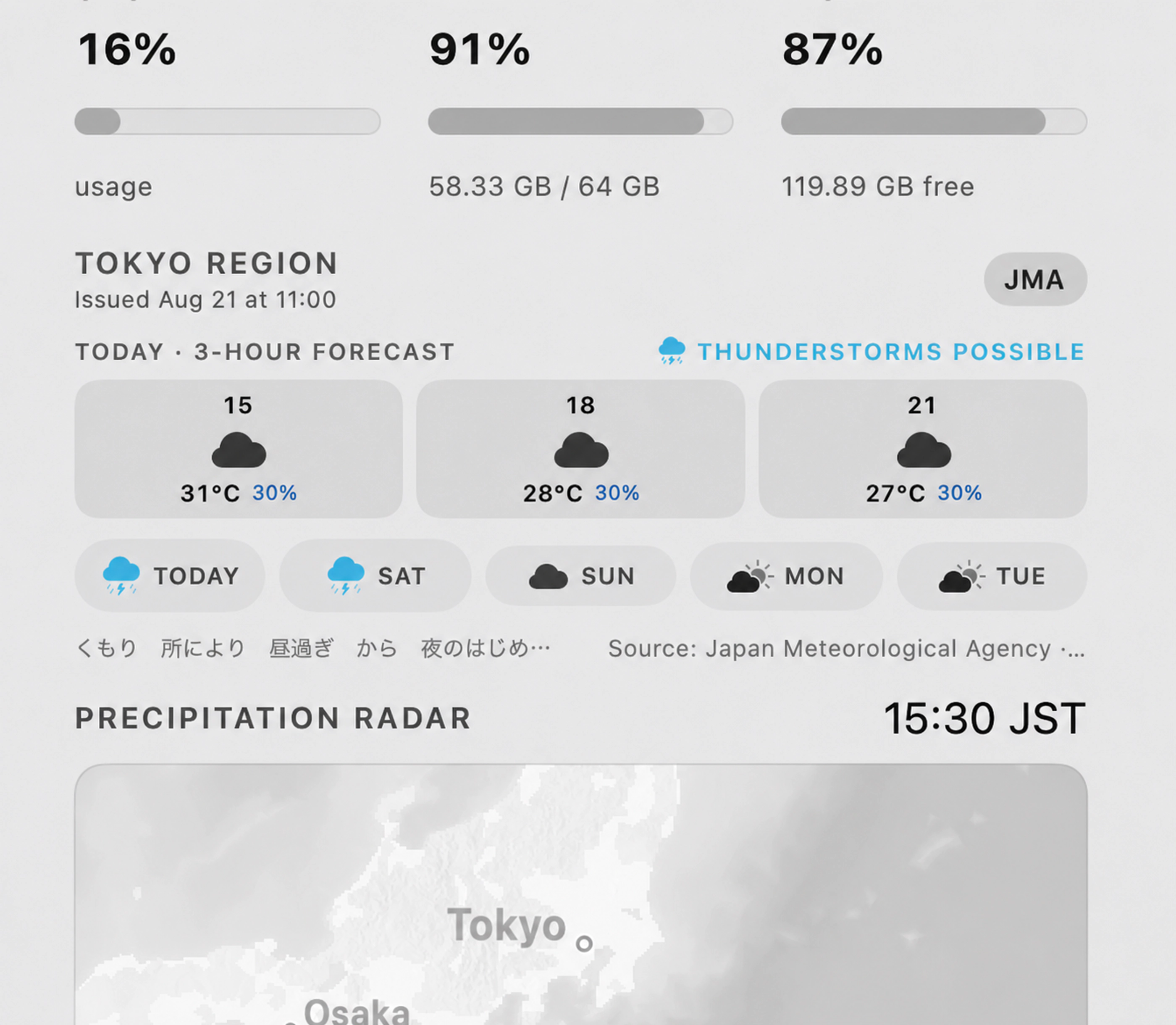
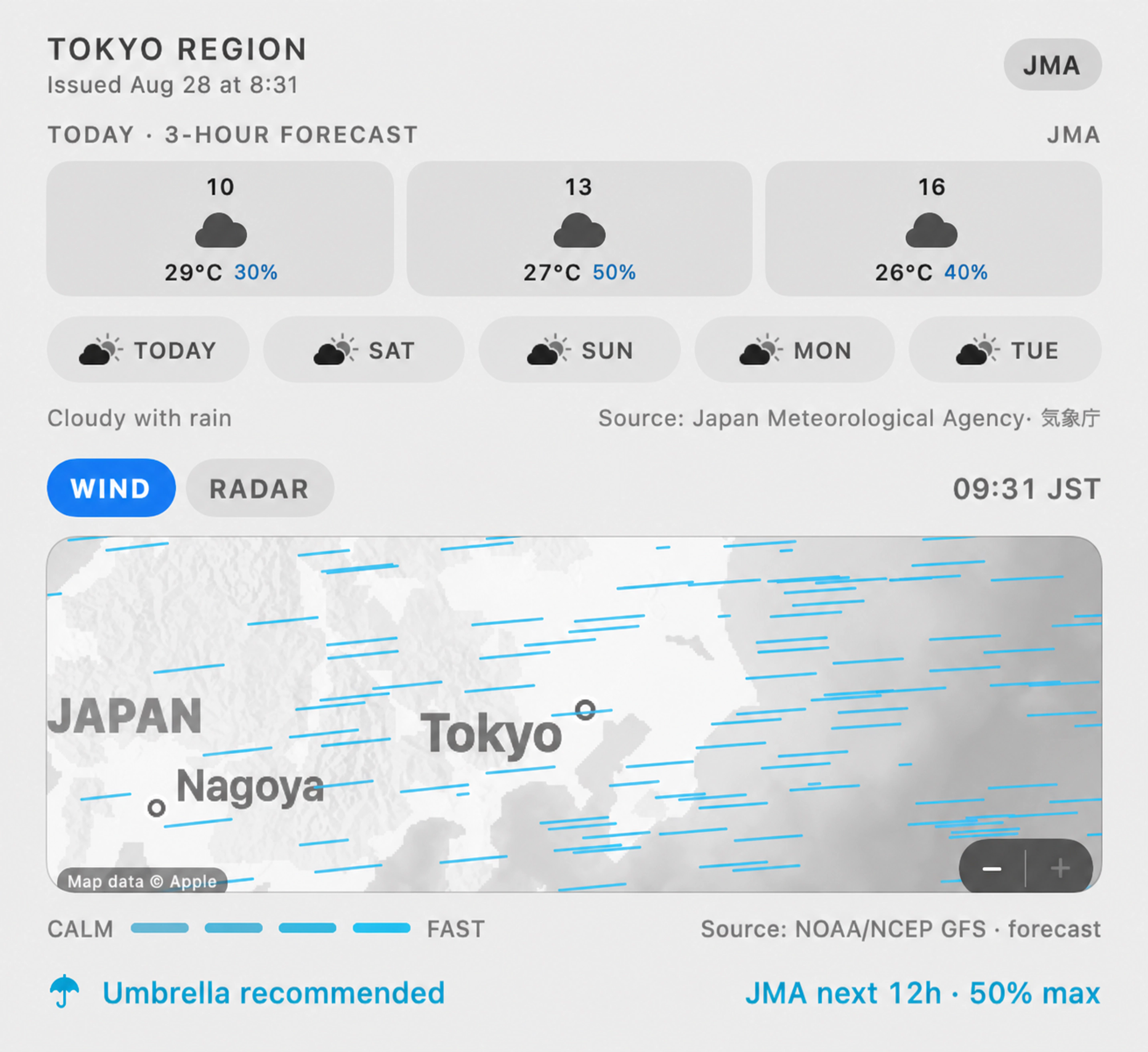
LunarShell automatically uses JMA forecasts and precipitation radar in Japan, Apple Weather elsewhere, and adds a worldwide animated wind view built from NOAA GFS 10-metre vectors decoded locally. Outside Japan, precipitation is shown as a forecast timeline, not radar. Expand the module or use Full Desktop for detailed forecasts and larger maps. The umbrella indicator summarizes the next 12 hours.
03 · Moon
An observatory calculated on your Mac.
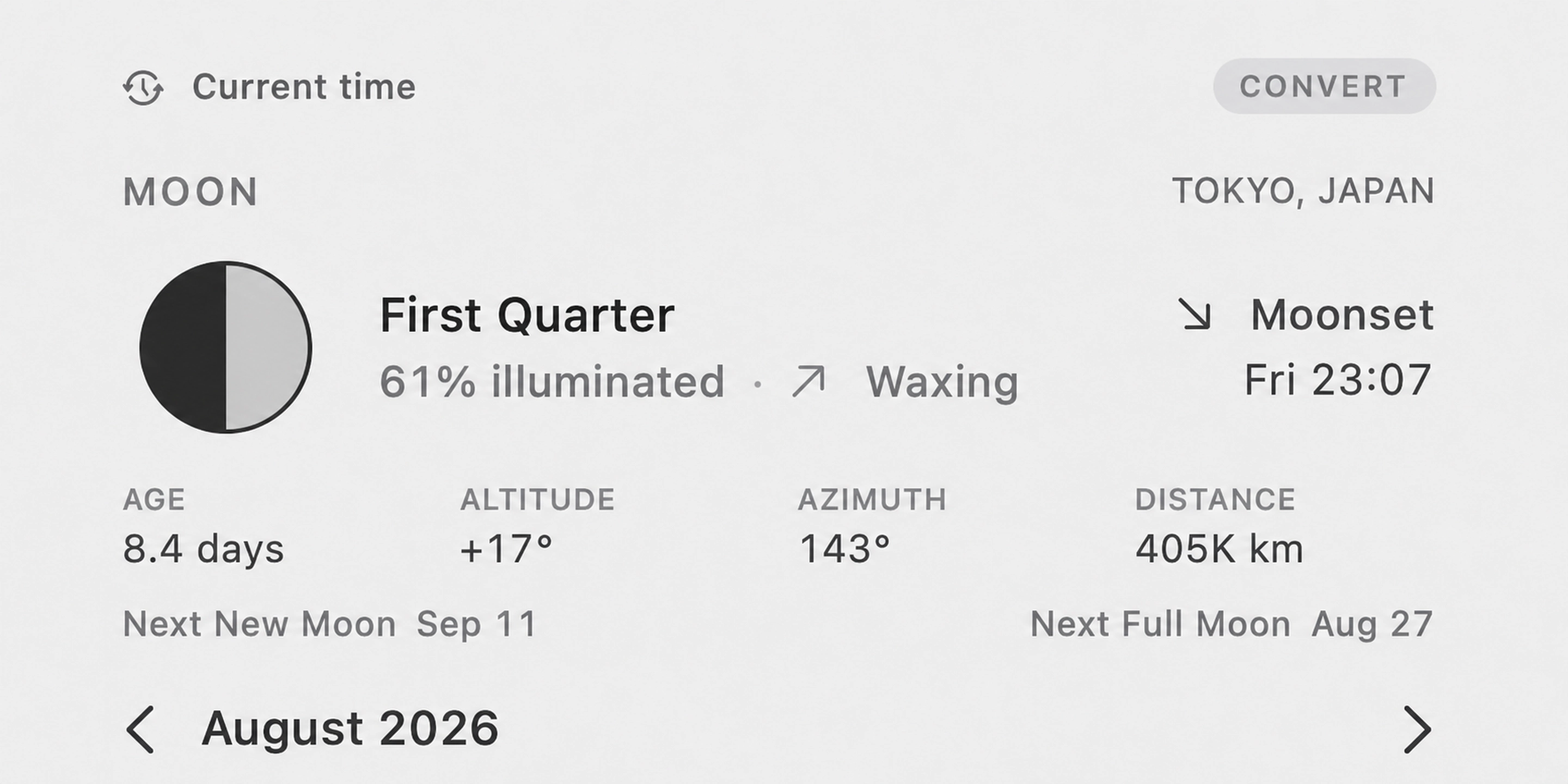
Phase, illumination, lunar age, distance, altitude, azimuth, rise or set, and the next new and full moon are calculated locally for your selected place. Expanded mode adds a 24-hour altitude curve. Full Desktop opens a 3D solar-system atlas with time controls and an offline Star Map of 5,044 stars and all 88 constellations. No lunar API is needed.
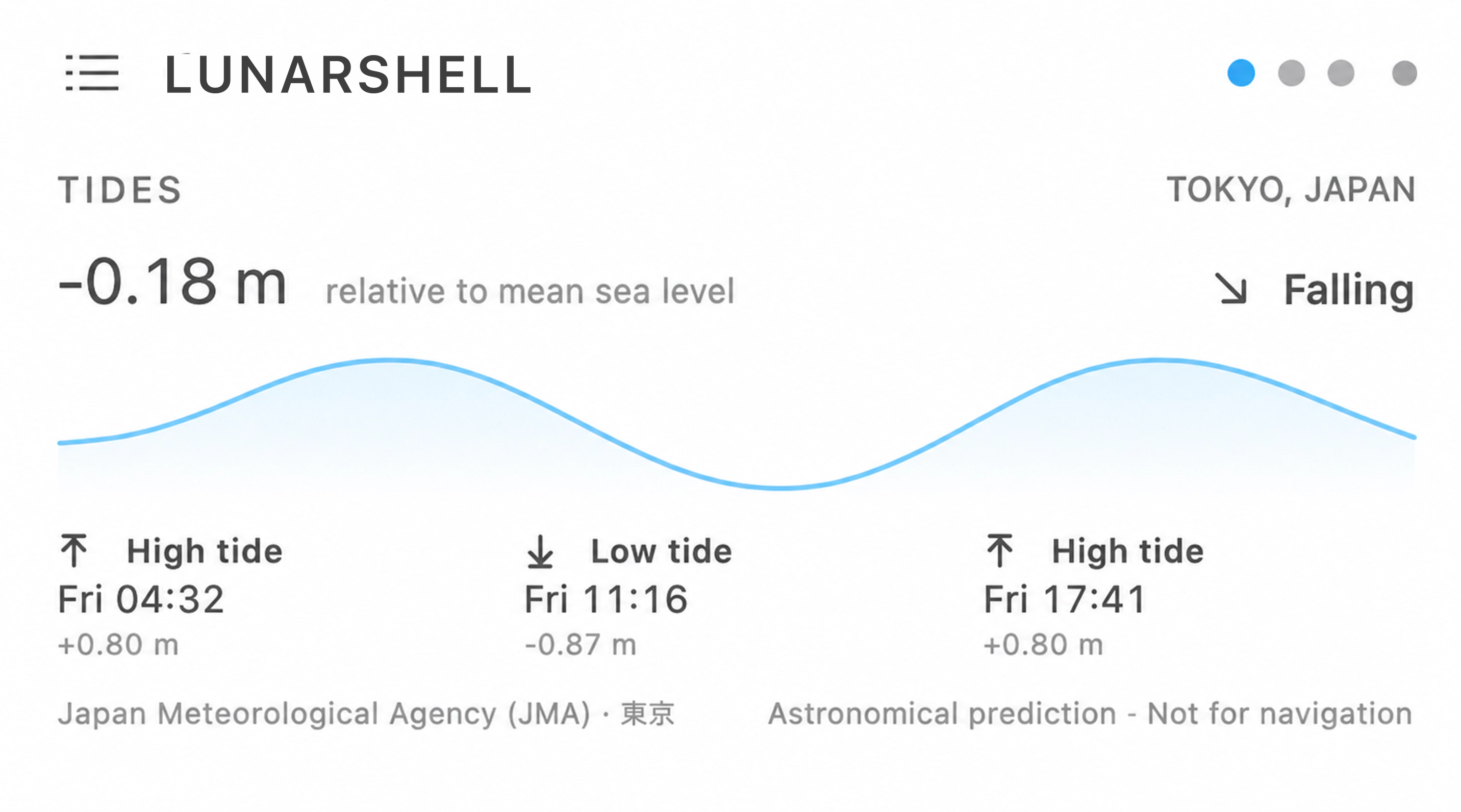
04 · Tides
Official predictions, never mystery data.
Where supported, LunarShell downloads JMA predictions in Japan or NOAA CO-OPS predictions near a station. Unsupported locations say so plainly, and every forecast is marked not for navigation.
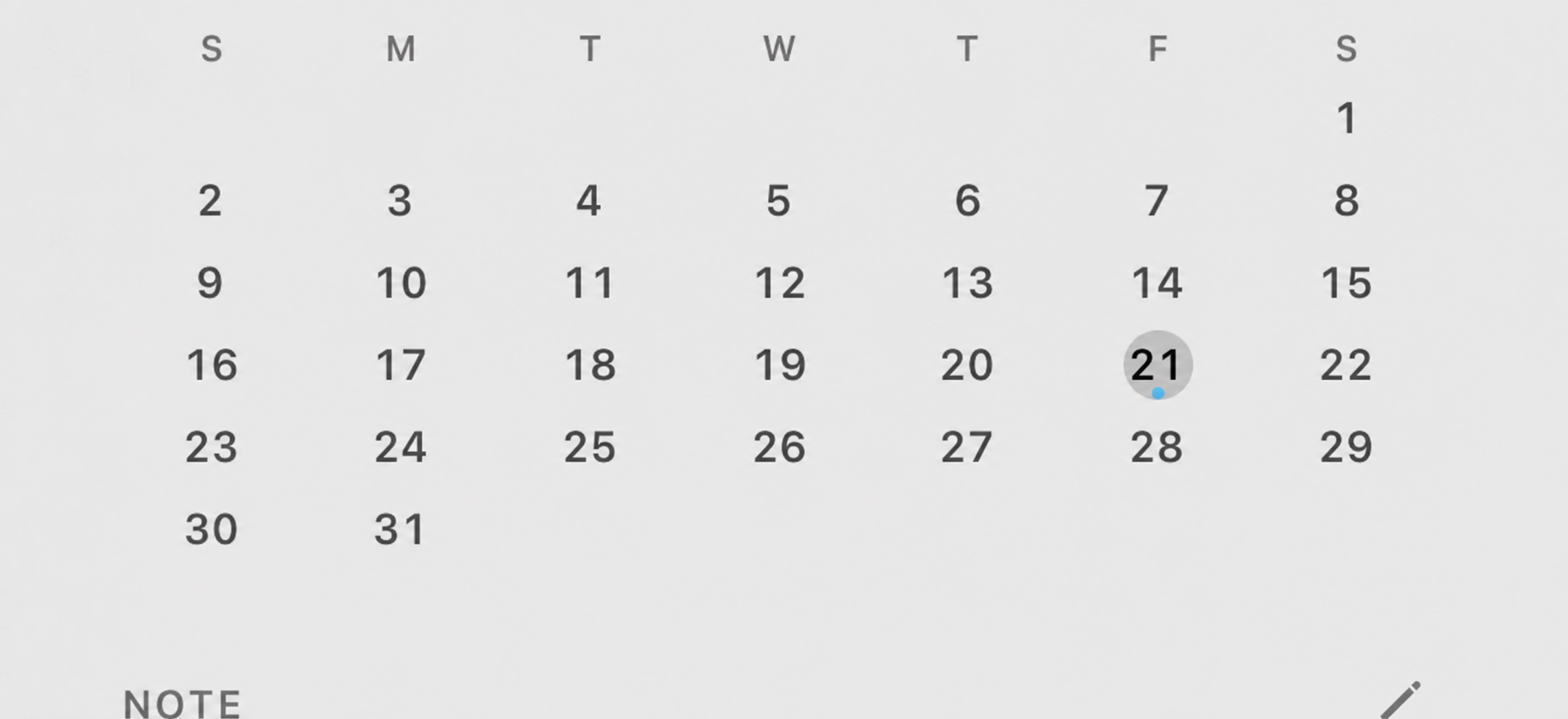
05 · Calendar
A month you can edit without opening another app.
Select a day and save a local entry with a notification reminder. Optional Apple Calendar access can show existing event titles and save the LunarShell entry as an all-day event; without permission, everything stays inside LunarShell.
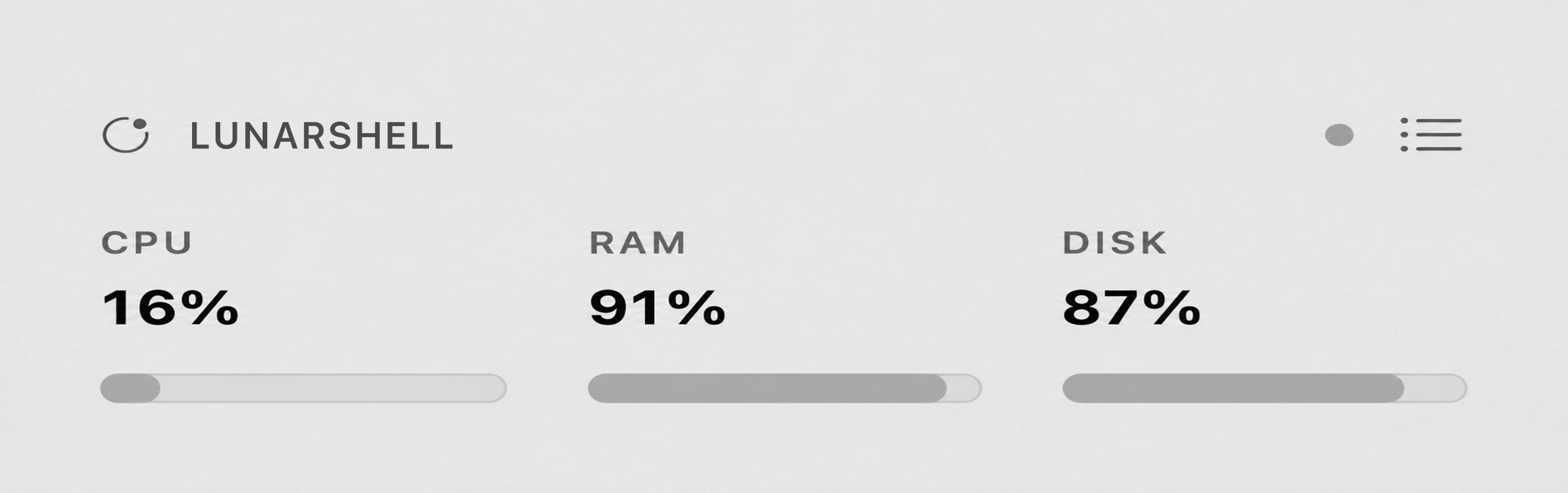
06 · System metrics
Pressure, load, and space—not misleading percentages.
CPU, disk, and a derived macOS memory-pressure score update every two seconds. LunarShell preserves the system's Normal, Warning, or Critical memory state and only adds color when attention is useful.
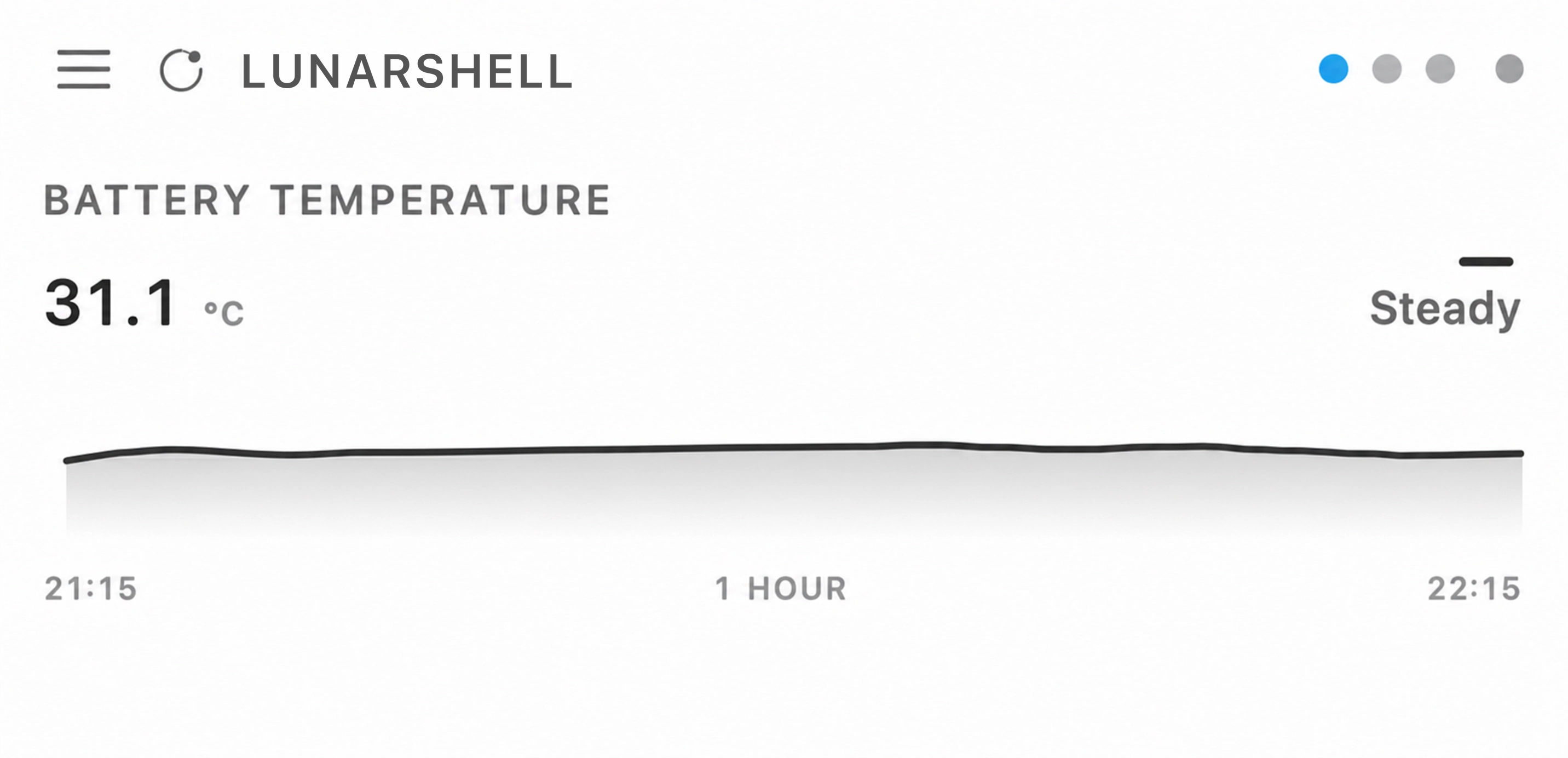
07 · Thermal monitoring
A thermal record you can actually act on.
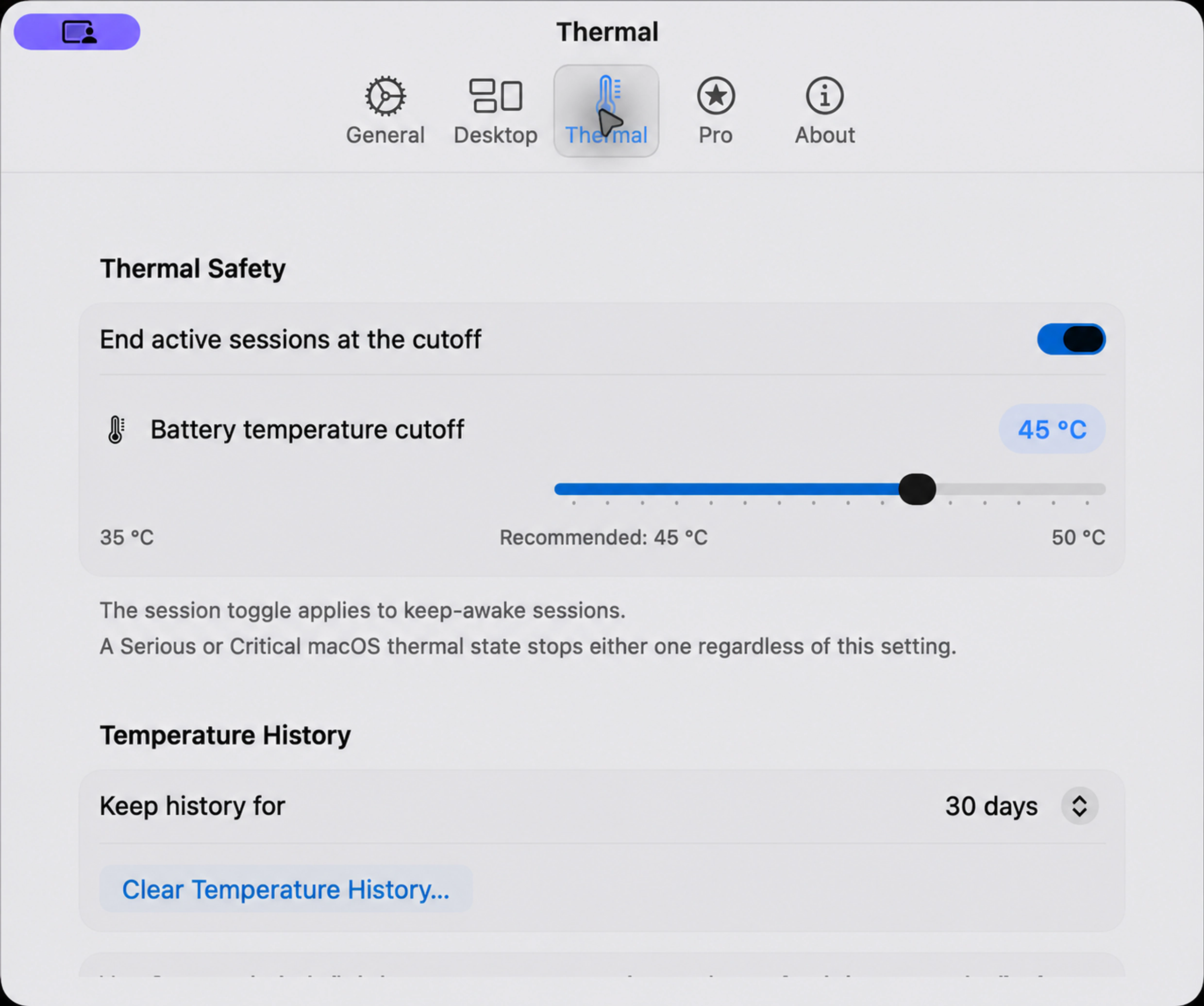
LunarShell samples the MacBook battery sensor and Apple's qualitative thermal state locally. It shows the current temperature, trend, and one-hour trace, stores longer history for charts and CSV export, and never presents the reading as CPU-core temperature.
08 · Notes
The thought stays where the work happens.
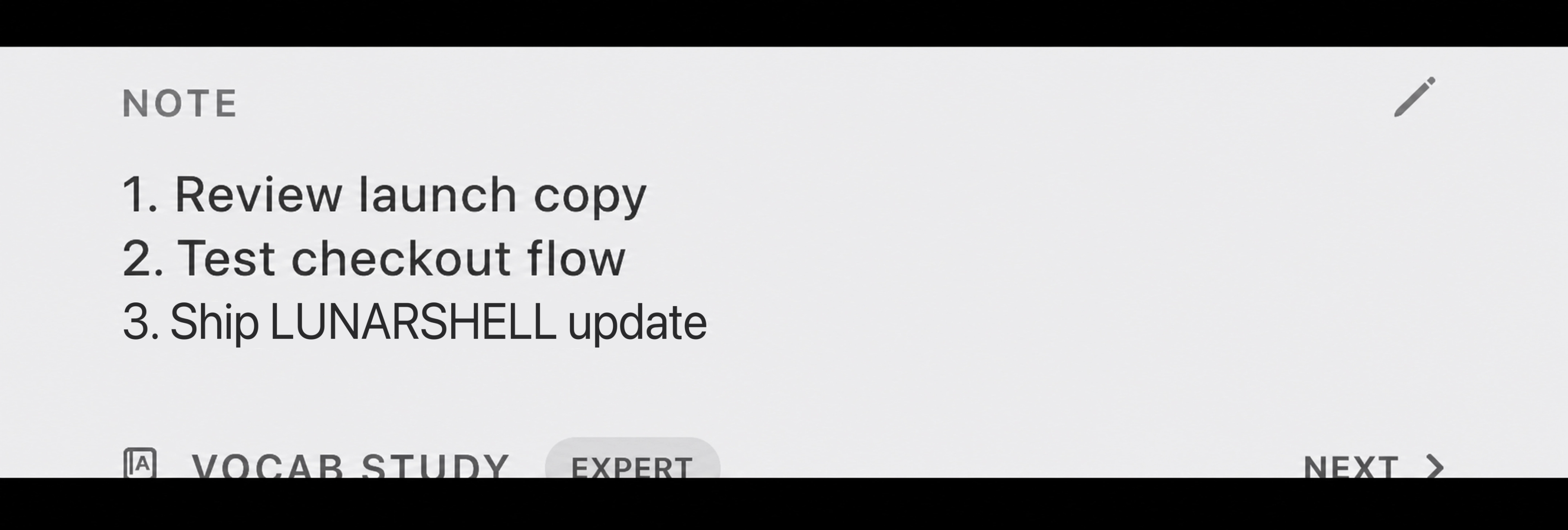
Edit a persistent note directly on the desktop. It grows with its contents up to 16 visible lines, then yields space automatically when the rest of the stack needs room.
09 · To-do list
A small task list with no ceremony.
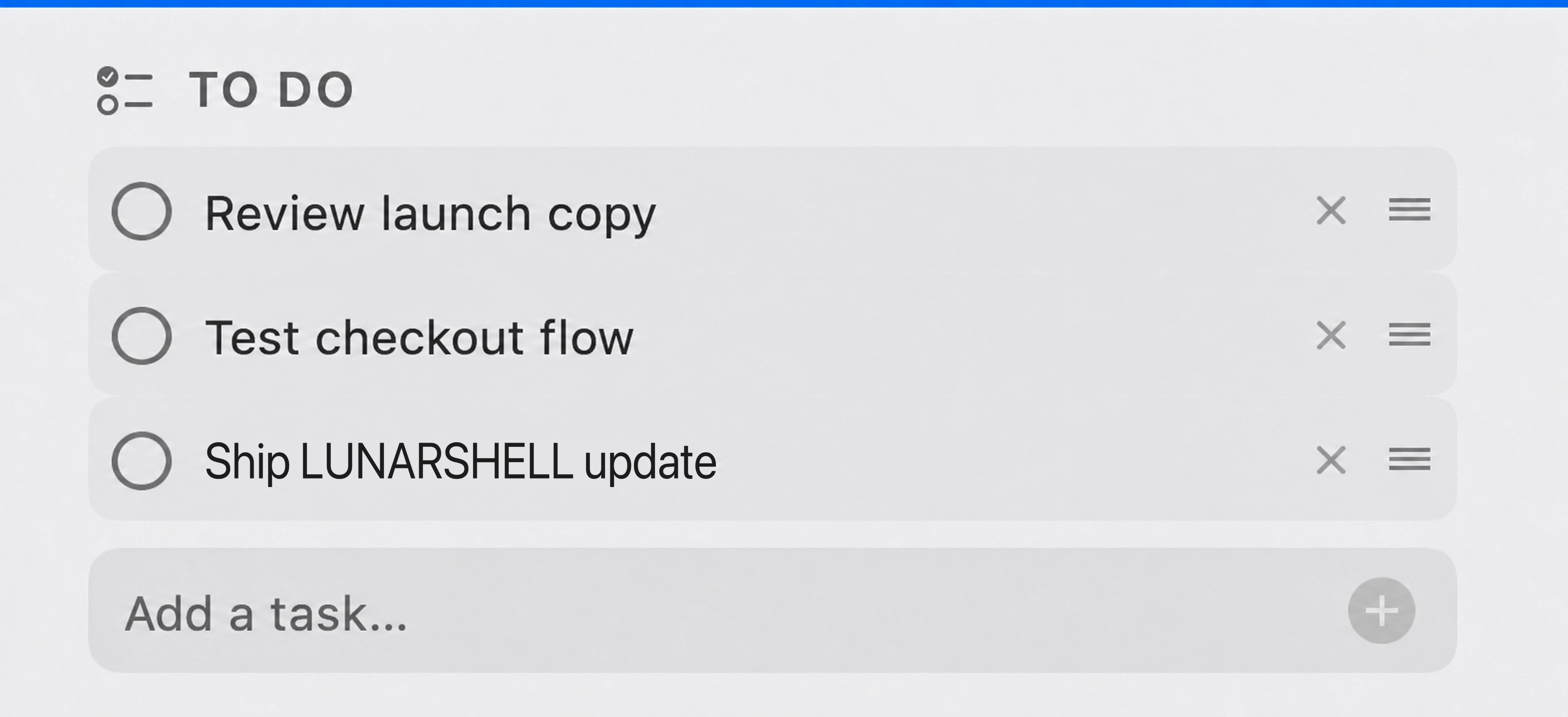
Add, edit, complete, delete, and drag tasks into order without leaving the desktop. Set local notification reminders. Completed tasks stay visible for two seconds so you can undo, then disappear with a Reduce Motion-aware animation. The list stays local and can provide relevant planning context to AI.
10 · AI chat
Managed AI with a workspace on your Mac.
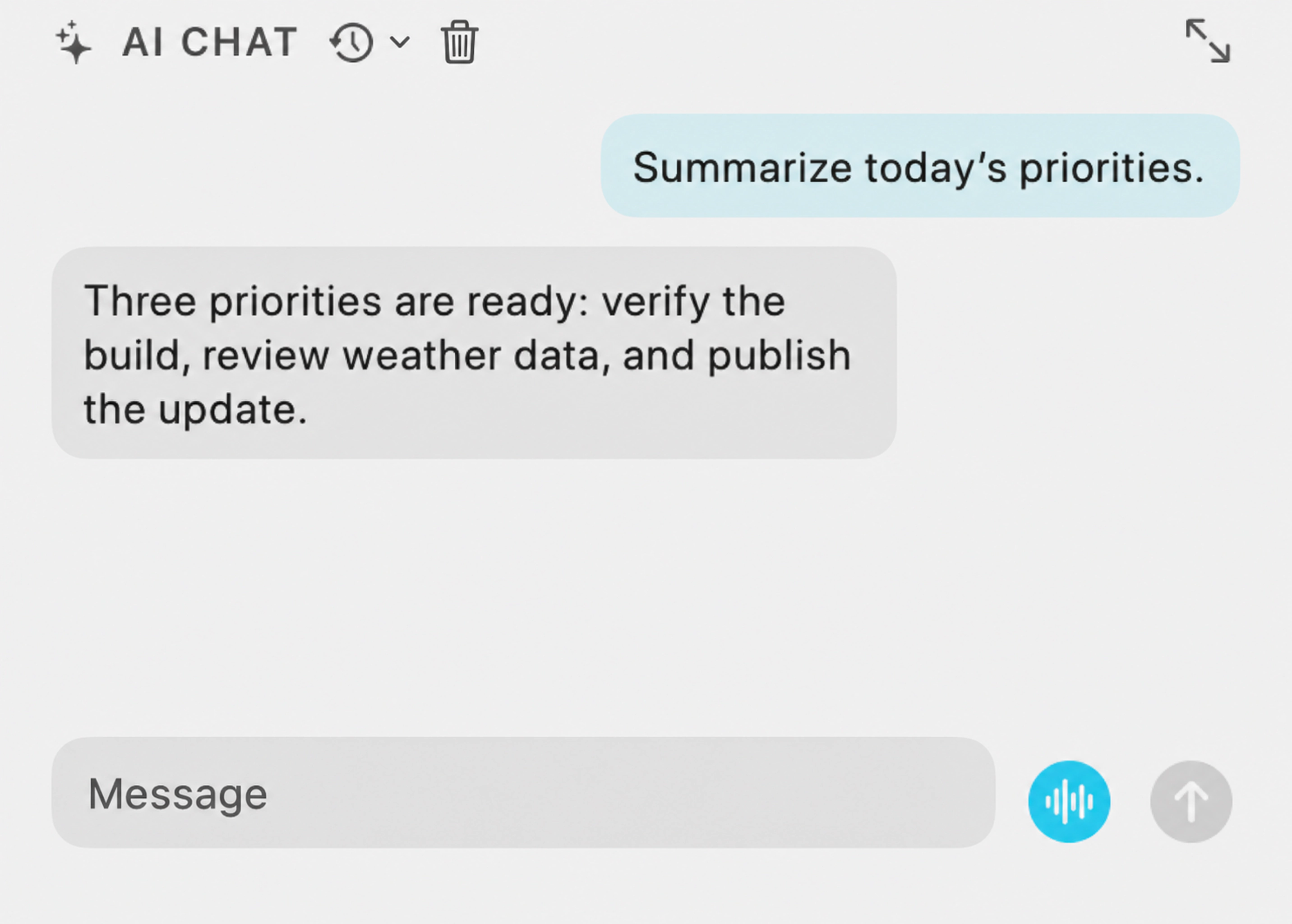
Try managed GPT-5.6 Luna with a limited Free preview. Keep conversations, project files, and optional memory in a local workspace, and use supported text commands to operate modules or create procedural animated wallpapers. Pro and Max provide weekly Moon Credits. Voice mode uses AI and requires a Pro or Max subscription. Native dictation is also available.
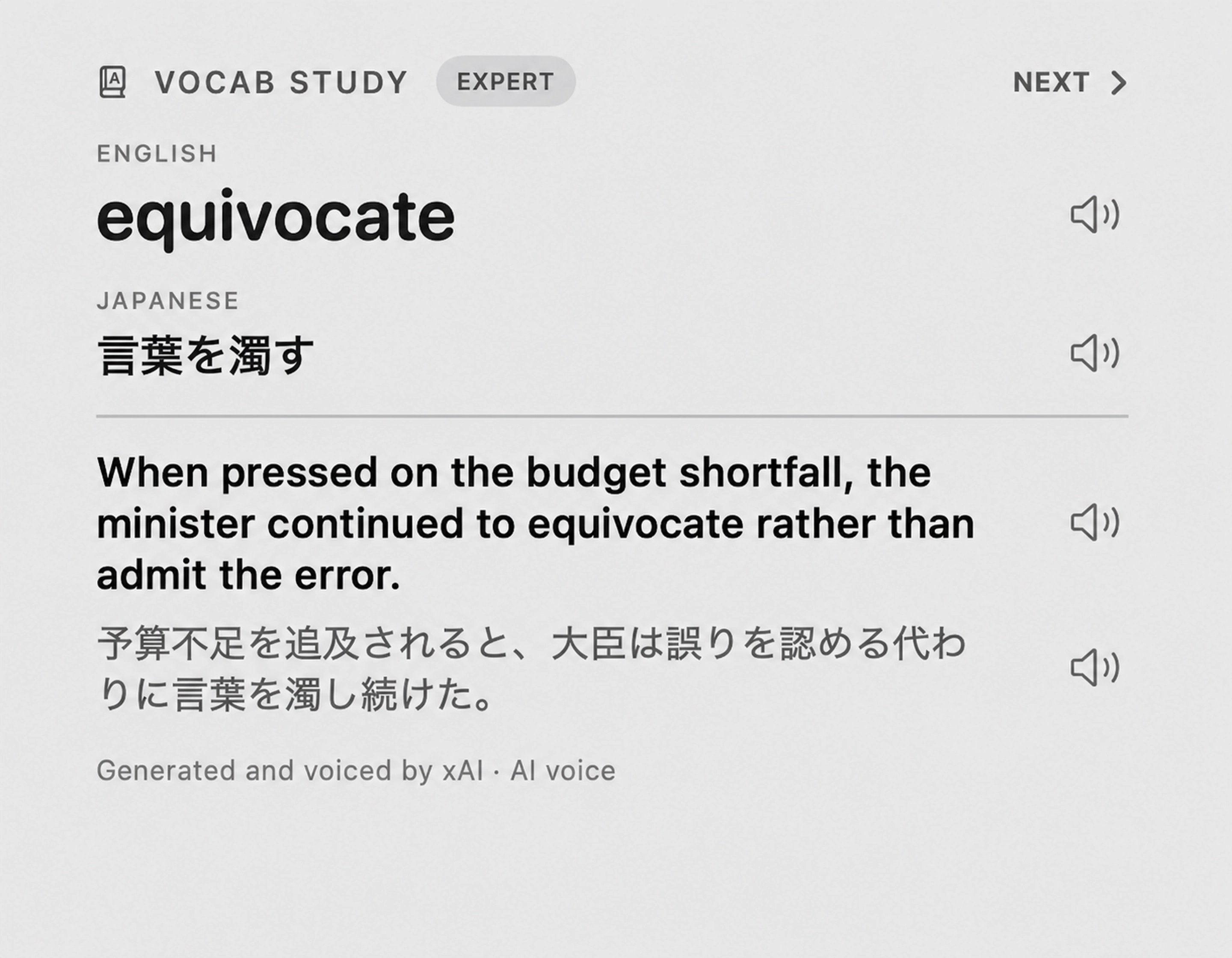
11 · Vocabulary study
Your next word, with recorded pronunciation.
Study the Bilingual News word list with English and Japanese translations, example sentences, and matching recordings. Four difficulty groups follow word frequency. Cards persist across relaunches, and audio downloads when you press play. No AI generation or Moon Credits are needed. Some recordings may be unavailable.
12 · Keep awake
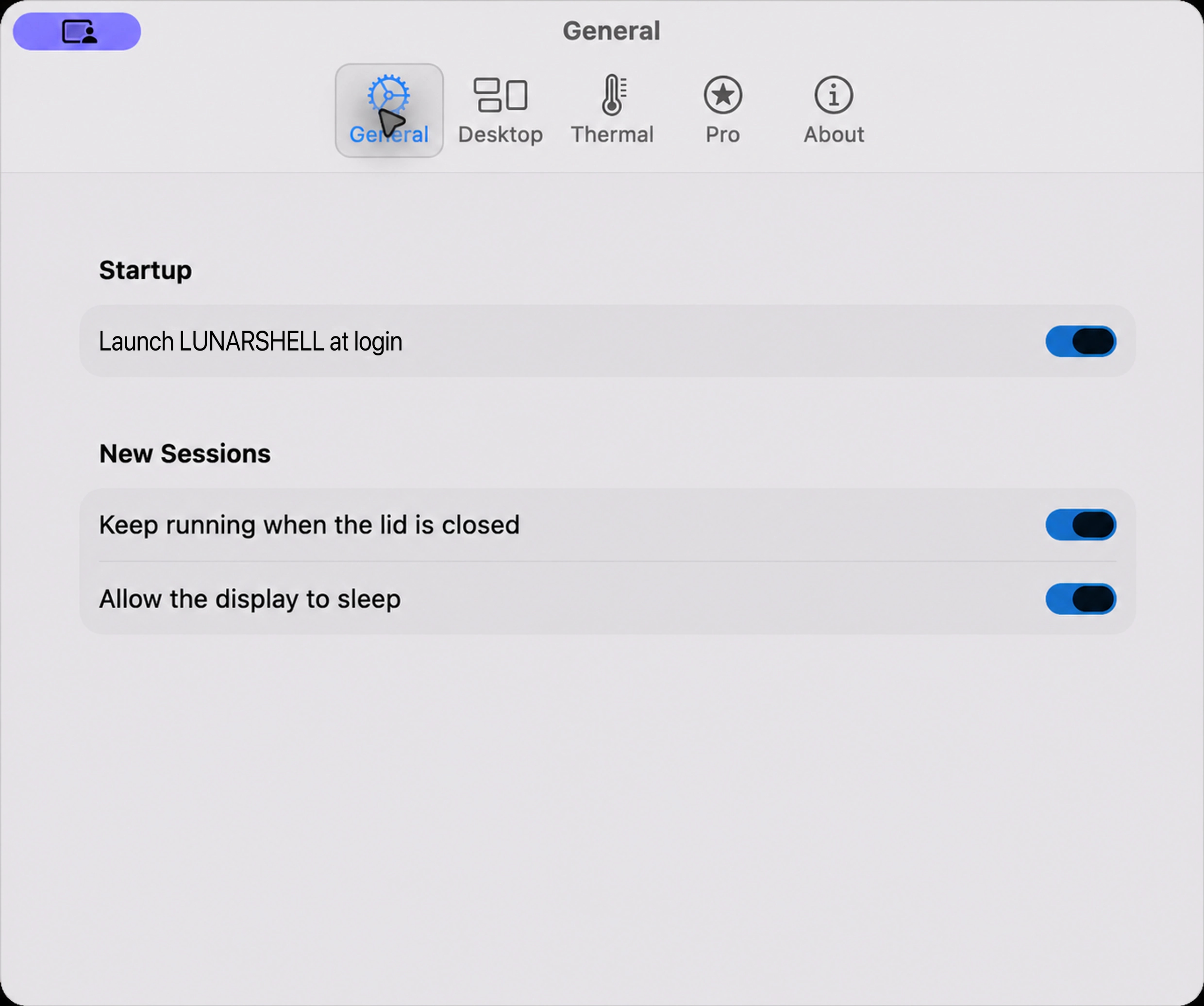
Close the lid. Keep the job alive. Restore everything cleanly.
Choose one, two, or four hours—or no time limit. LunarShell holds a macOS power assertion, treats display sleep and closed-lid work as separate controls, restores normal lid behavior when the session ends, and adds a crash watchdog plus configurable thermal cutoffs. Closed-lid use requires unobstructed vents and adequate ventilation. Never put an awake MacBook in a closed bag; stop if the Mac becomes seriously hot.
13 · Documents
Turn paperwork into clear next steps.
File documents locally, extract text or scan OCR on demand, and approve each AI review to identify actions and missing information. Optional PDF form filling uses only selected personal facts, preserves originals, and opens a draft for your review. It does not submit forms or pay bills.
14 · Video Editor
Edit video and sound in one workspace.
Arrange local video, audio, images, and text; trim clips, adjust levels, and animate speed or crop-pan with keyframes. Preview in expanded or Full Desktop mode. Audio mode adds a detailed waveform, optional compression, and M4A or MP3 mix export. Save projects or export video through QuickTime.
15 · Audio Clip Editor
Build a mix across four tracks.
Drop in local audio, place and trim clips on up to four tracks, set individual levels and short edge fades, and preview a selection. Expanded and Full Desktop views add detailed waveforms; export the mix as a WAV file.
16 · Audio Recorder
Record three separate sources together.
Capture system output and up to two selected audio inputs into separate local WAV tracks. Check source levels, review recent recordings, and recover interrupted files after a crash. Recordings are never uploaded.
17 · MIDI Synthesizer
Play a compact instrument collection.
Use a MIDI controller with 22 procedural instruments and 30 factory presets. Velocity, sustain, pitch bend, modulation, tuning, and performance macros shape the sound, with expanded and Full Desktop performance views. Keep scores and sound settings in a local Music Library to replay and develop performances.
18 · DJ Deck
Mix two tracks from your own library.
Match BPM, adjust high-pass and low-pass filters, scratch with the trackpad, and cut or crossfade between two local tracks. Waveforms and snare landmarks help alignment, and moving Track 2 into Track 1 keeps the mix going.
19 · Audio visualizer
Give your system audio a visual form.
Choose from 21 visualizer presets, including Fractal Terrain, Julia Set, 3D shapes, Wormhole, and Star Field. Resize a separate visualizer panel and choose grayscale, frequency colors, or a theme color. It uses system audio permission, with no microphone capture or recorded files.
20 · Podcasts
Keep a small player close at hand.
Search Apple's podcast directory or add a publisher's RSS feed. Pick an episode, scrub, or skip five seconds while streaming directly from the publisher. Subscriptions stay local; LunarShell does not save episode audio.
21 · Earthquakes
Check recent reports and epicenters.
Read JMA reports in Japan or USGS reports elsewhere, choose two to eight events, and open an epicenter map with the provider's details. Information is preliminary and is not an emergency-warning service.
22 · Flight tracker
Follow one flight without constant refreshing.
Track a configured IATA flight number through your own aviationstack key, stored in Keychain. See available route, status, airport-local times, gate, delay, aircraft, and position data. Refresh manually or every 15, 30, or 60 minutes; provider coverage and account limits apply.
23 · X Feed
Follow a hashtag or account mentions.
Use your own X bearer token in Keychain to read a hashtag, account mentions, or both. The feed caches posts locally and defaults to manual refresh. X API access, usage charges, and provider terms apply to your account.
24 · Calculator
Do the quick calculation where you work.
Add, subtract, multiply, divide, and chain calculations with decimal, sign, and percentage controls. Input and results stay local and are not saved as a calculation history.
Private by design
Core data stays local. Clear boundaries for AI.
Your configuration, notes, calendar entries, and thermal history remain on your Mac. With managed AI, prompts and responses needed to provide the feature are processed by LunarShell's managed service and the model provider.
 LunarShell