01 / 17
Keep awake
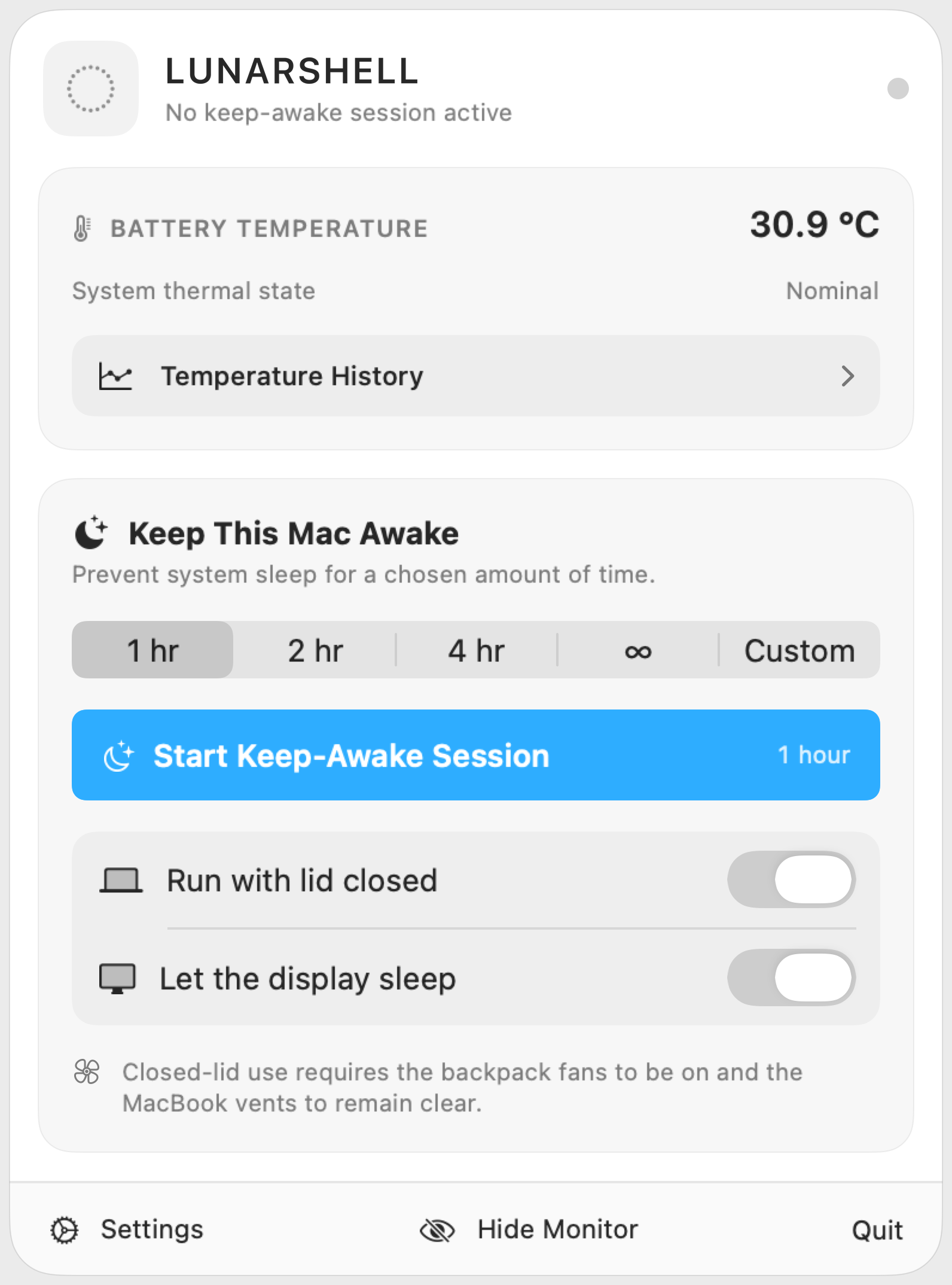
Choose a session length, then keep work running with direct lid-closed and display-sleep controls.
 LunarShell
LunarShell for Mac
*Exclusive to Apple M-series MacBooks.
LunarShell combines native information and creative modules in one app. The suite is designed from the ground up for efficient memory, processing, and battery use, with agentic voice control built in. You can use everyday language to ask LunarShell AI to perform supported actions, such as opening a module, adding a calendar event, or adjusting a synth sound.
Choose a session length, then keep work running with direct lid-closed and display-sleep controls.
These modules can expand to use the full desktop.
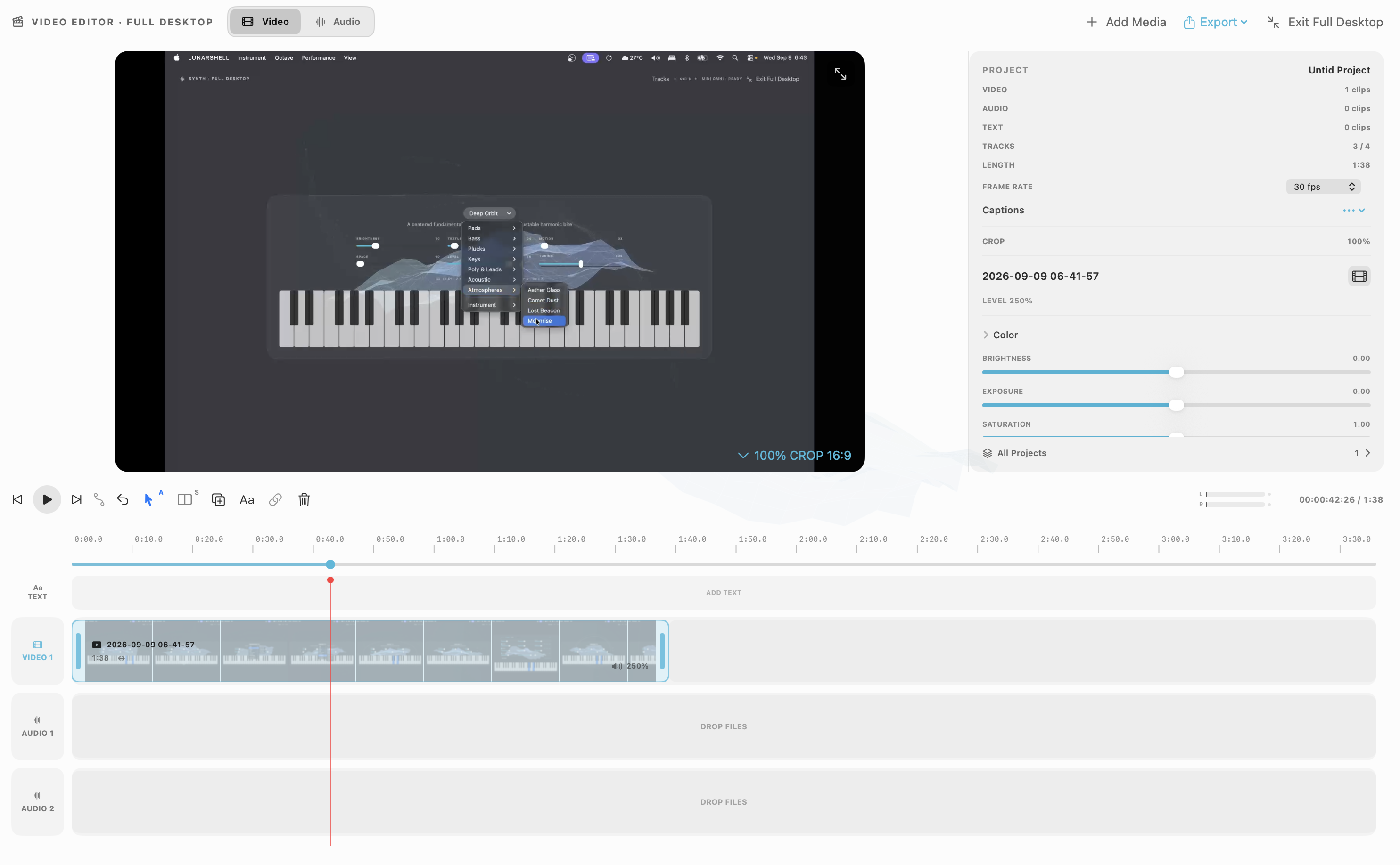
Video preview, timeline, and editing tools in a full-desktop workspace. Around 300 MB of RAM in observed use. Memory use varies with the project and media.
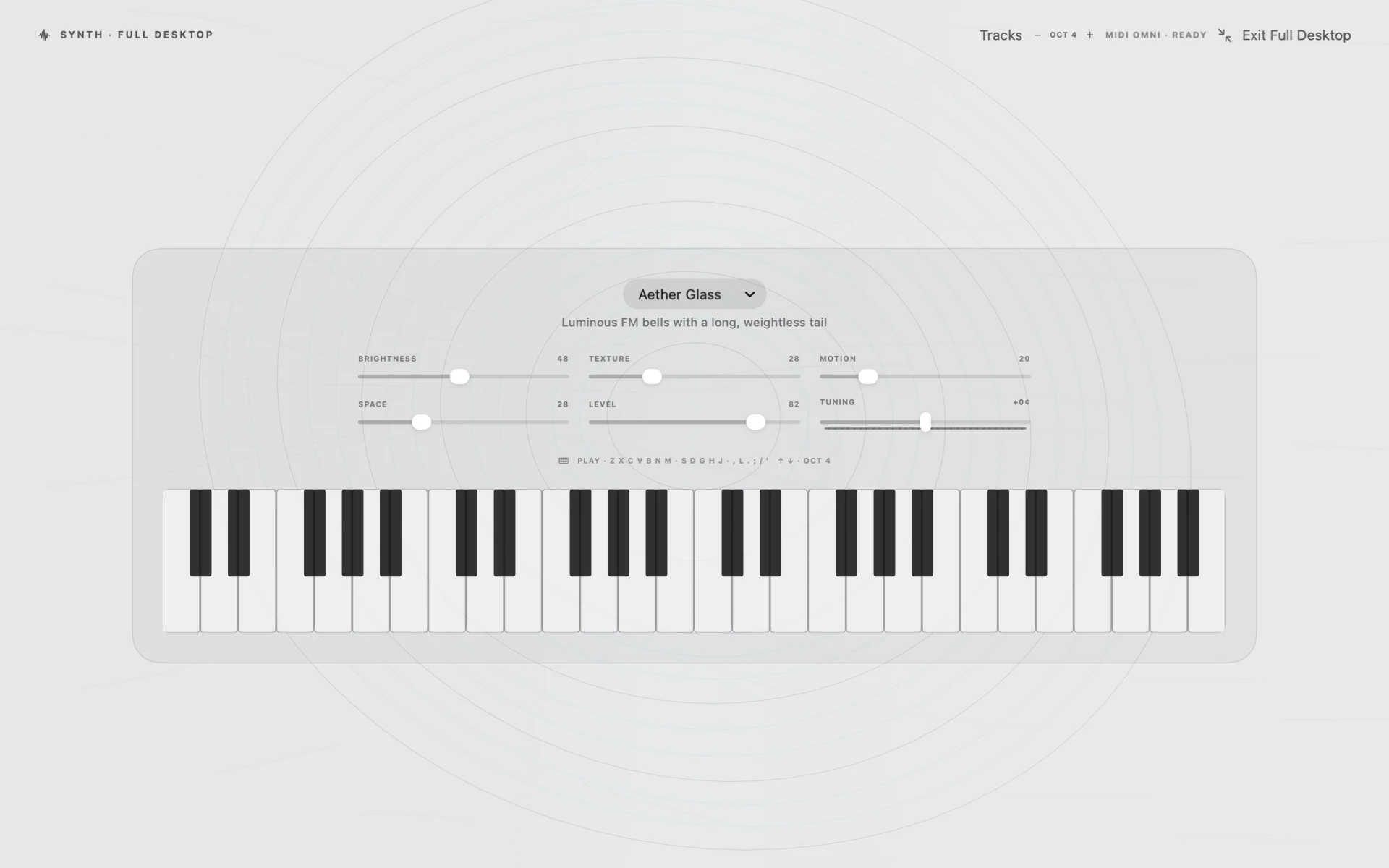
Play the keyboard, adjust sounds, and create and save performances with AI.
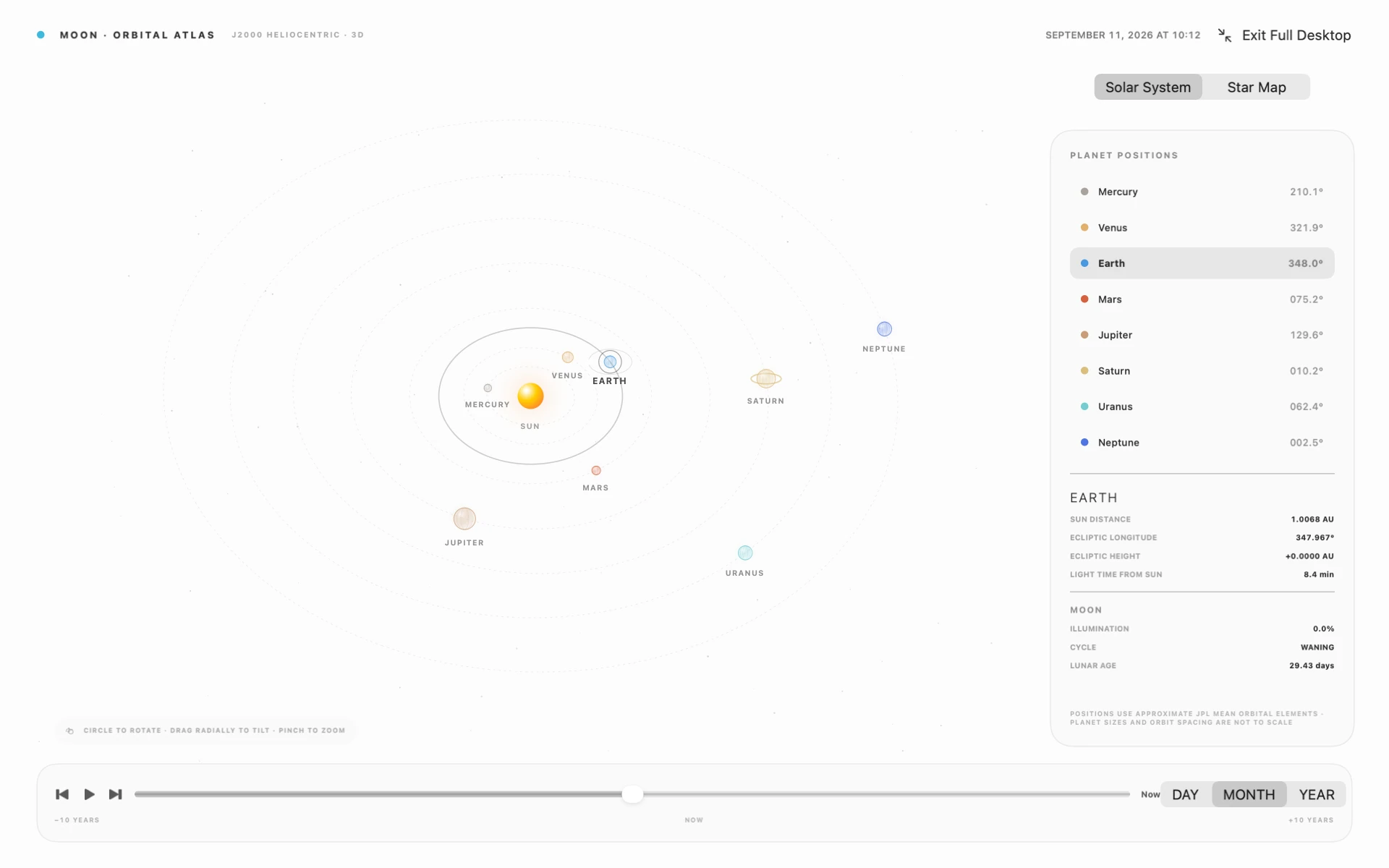
A 3D atlas with locally calculated planet positions and a timeline for viewing changes in their orbits.
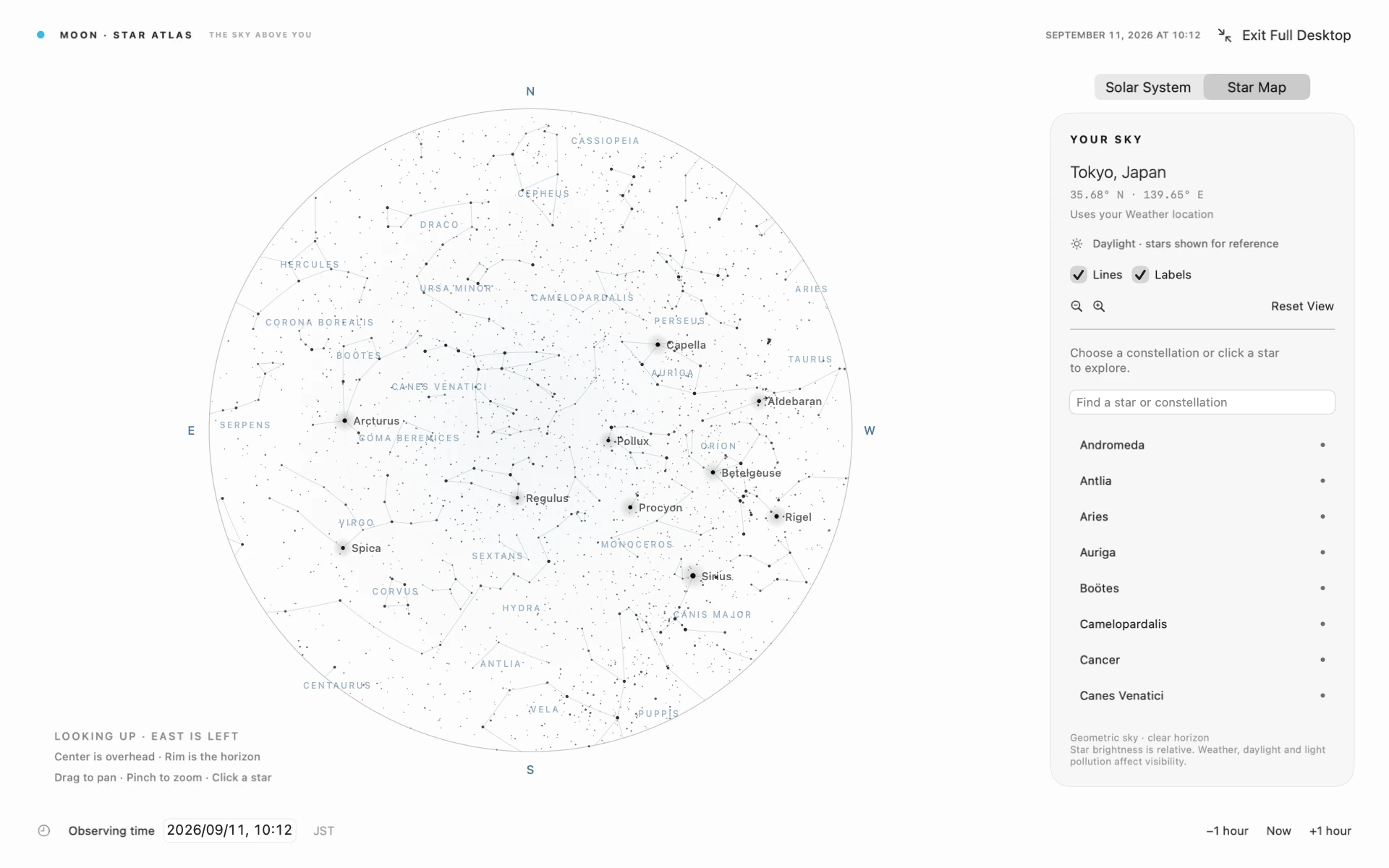
View the stars above your location in a full-desktop map.
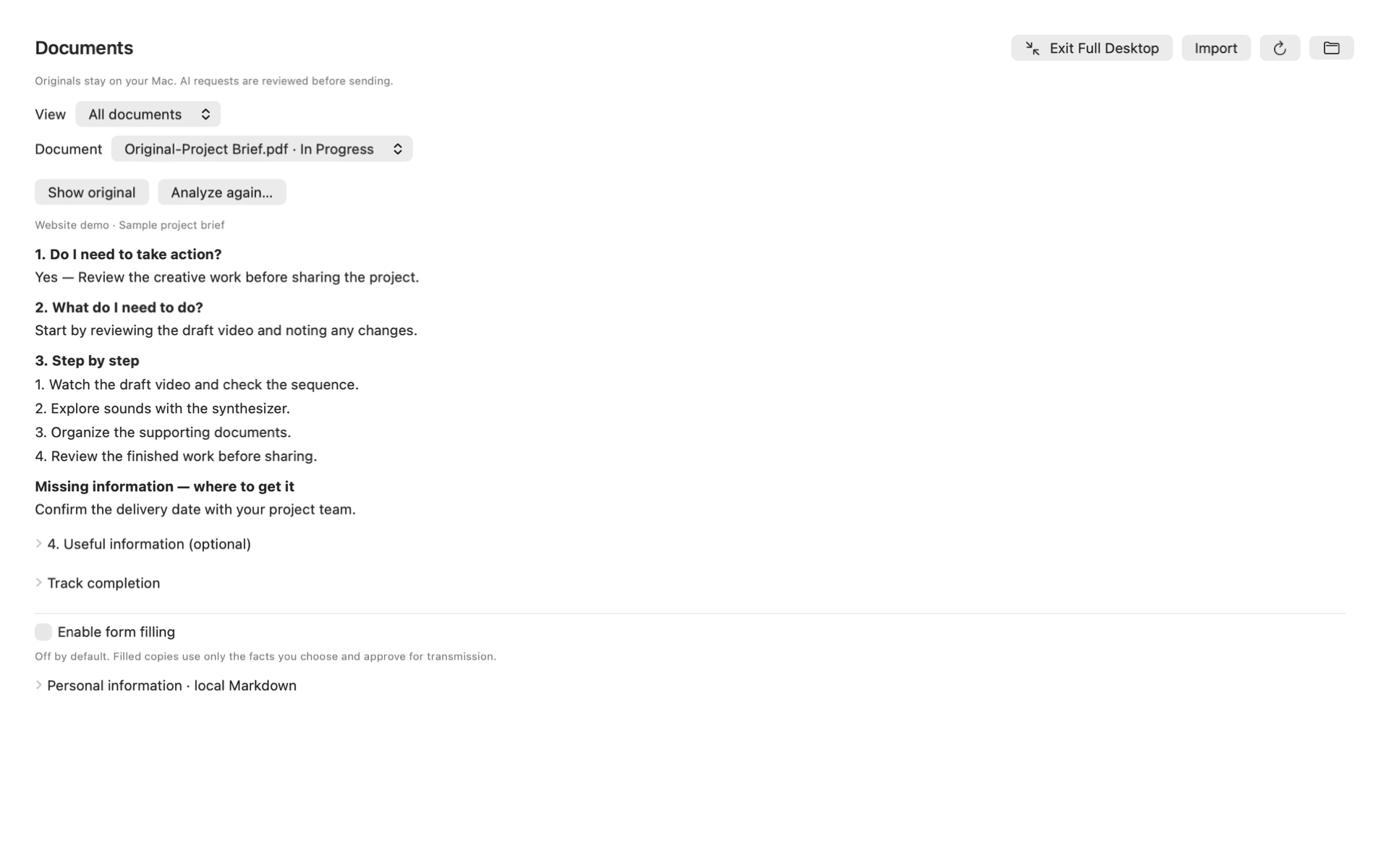
Review documents alongside suggested actions and missing information.